


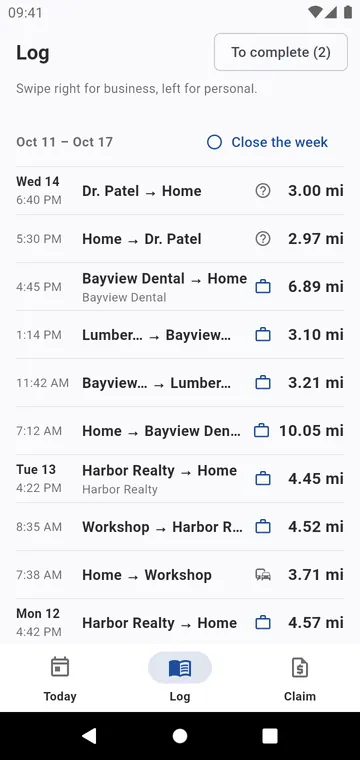
Classify with a swipe
The Log tab lists your trips by day. Swipe a trip right to mark it Business, left to mark it Personal; Undo in one tap. Hold a trip for Repeat today, Log the return trip, Edit, Split… or Delete.
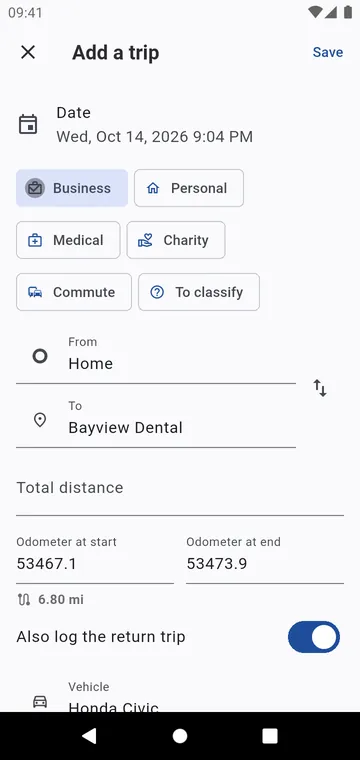
Forgot to press Start?
Add a past trip: from, to, date and distance, or just the two odometer readings. The vehicle's last odometer reading is proposed, and Also log the return trip saves the way back too. Your Frequent trips are on the Today tab: the same trip again in two taps.
Close the week
Once a week is checked, Close the week: a closed week is a page of the log you no longer touch. An optional Daily reminder tells you, at the time you choose, when no trip was recorded that day.